
Training restaurant staff on a new POS starts with setting up the system to match how your restaurant actually works, teaching each employee how to use it based on their role, and providing hands-on practice with real-world scenarios before launch. Partnering with the right POS provider can also make the process significantly easier by helping you with setup, guiding you through training, supporting your team on launch day, and remaining available after you go live.
In this article, you’ll learn:
- How to prepare your restaurant and employees for effective training
- How to build a training plan around your staff's roles and responsibilities
- How to create realistic practice scenarios to build staff confidence before launch
- Common POS training mistakes that can derail your rollout
Let’s start with two factors that will heavily influence your restaurant’s success with a new POS: the system you choose and the support team behind it.
Choose the right POS and support team
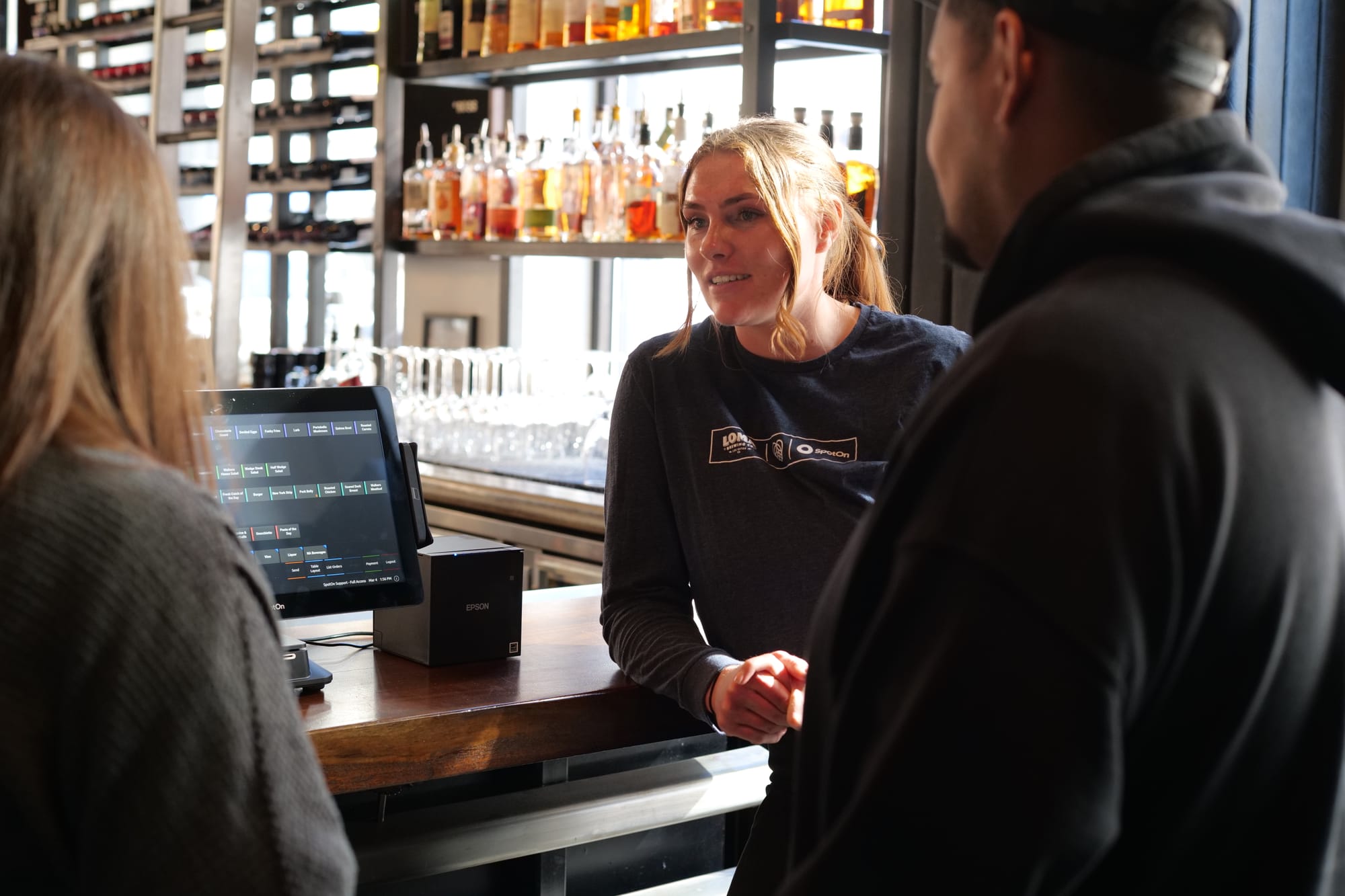
Your first step is to find a POS system that fits the way your restaurant operates and feels natural when your employees are using it. During the demo, ask the provider to show you how the system handles tasks your staff performs every day. For example, how quickly can a server enter a modified order? How easy is it to navigate table layouts? How many steps does it take to split a check? Seeing those workflows will tell you whether it’s an intuitive system your team can rely on during a busy service.
Next, ask how much of the setup will fall on your restaurant. With some providers, you may be responsible for building the menu, assigning employee permissions, and configuring the hardware yourself. That may work for a smaller restaurant with a simple menu, but for a busy full-service operation, setting up a new POS system can create a lot of extra work for managers before training staff even begins.
Before committing to a provider, ask what kind of POS training and ongoing support are included. Will someone be there in person to train your managers and staff members? Will help remain available after your restaurant goes live? Getting clear answers now can keep your managers from being left to troubleshoot the new system alone.
Prepare the POS and your restaurant staff for training
Before initial training begins, make sure the new POS software reflects how your restaurant actually operates. Check every menu item, modifier, and price for accuracy. Table layouts should be accurate for each seating area. Employee permissions and access control should also be set so each person can perform the tasks required by their role.
Next, test how information moves through the POS system. Enter orders from each station and confirm that they reach the correct printer or kitchen display system. Make sure online orders appear where employees expect to find them. You should also run mock transactions using every payment method your restaurant accepts. Finding a problem with processing payments is much easier before employees are standing in front of guests.
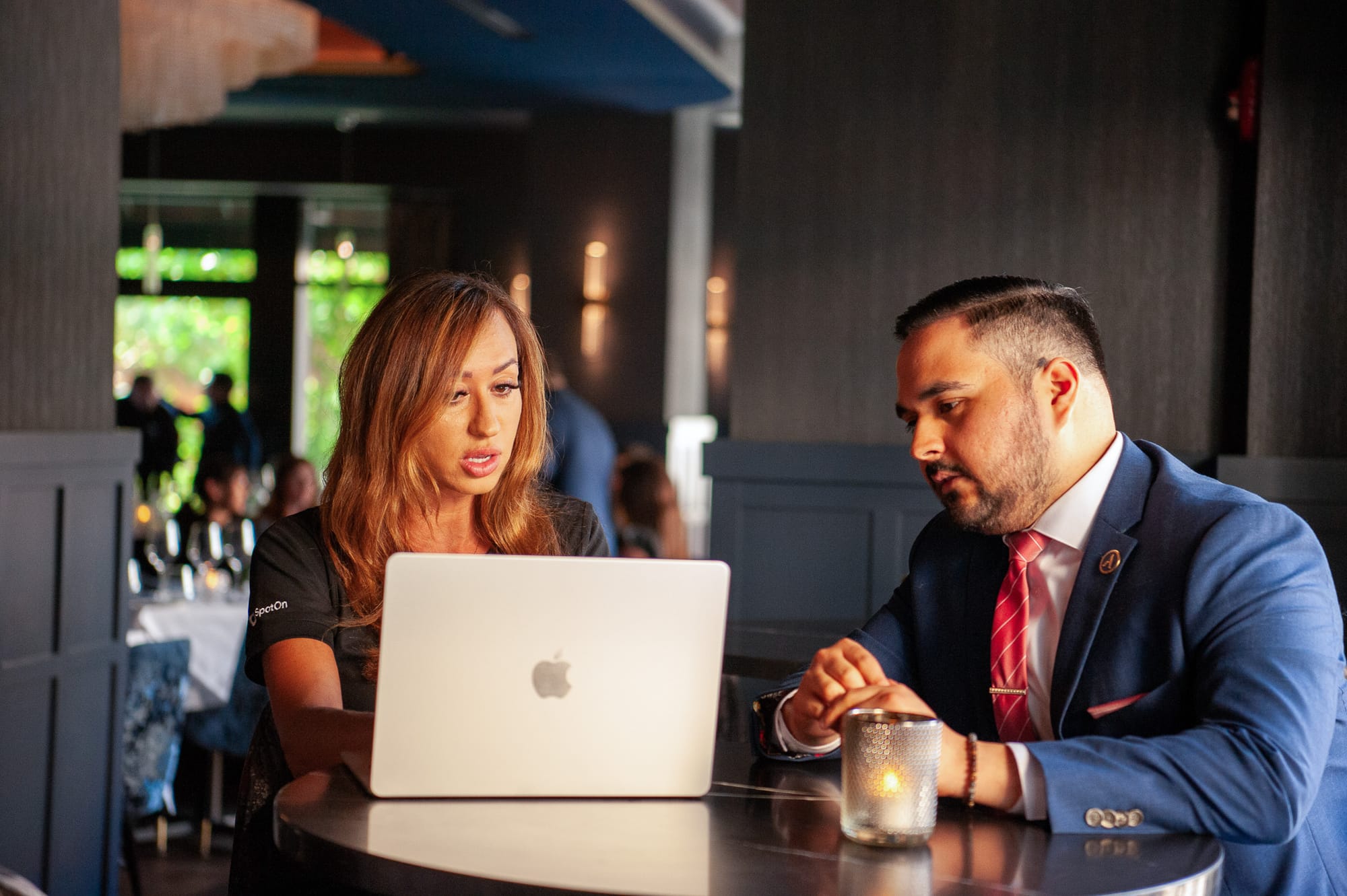
Have your managers complete this testing before formal staff training begins. Ask them to follow the same opening, service, and closing procedures they use during a normal shift. Because they understand your business operations, they’re more likely to notice missing modifiers or steps that don’t match how your restaurant works. Keep a running list of anything that needs to be corrected and test each change before moving forward.
You also need to prepare employees for what to expect. Let staff members know when training will happen and how long it should take. Explain why the restaurant is changing systems and what the new system should make easier during their shift. Before the session, confirm that every device is connected and each employee has the login credentials they need. That keeps your scheduled training time focused on learning the point of sale instead of resolving preventable setup problems.
Build a training plan based around employee roles and responsibilities
Your training approach should reflect how each of your team members will use the POS during a shift. Servers need to practice entering orders, adding modifiers, and managing checks, while hosts can concentrate on seating and table management. Managers need broader POS skills, including how to correct errors and use functions restricted to their role, such as adding menu specials and approving tips.
Begin with the tasks each role performs most often. For example, a server should be comfortable entering an order before moving on to more advanced features they may rarely use. Teaching staff the system in stages keeps you from overwhelming employees and gives them a clear set of skills to focus on during each session.
Plan shorter hands-on sessions for individual roles instead of putting the entire restaurant through one long class. This gives staff members more time to practice and develop muscle memory for the workflows that apply to their jobs. It also makes it easier to identify who’ll need a bit of extra help learning the new system. Supporting training materials and video tutorials can help employees review specific tasks at their own pace, but it’s not a replacement for guided practice on the system.
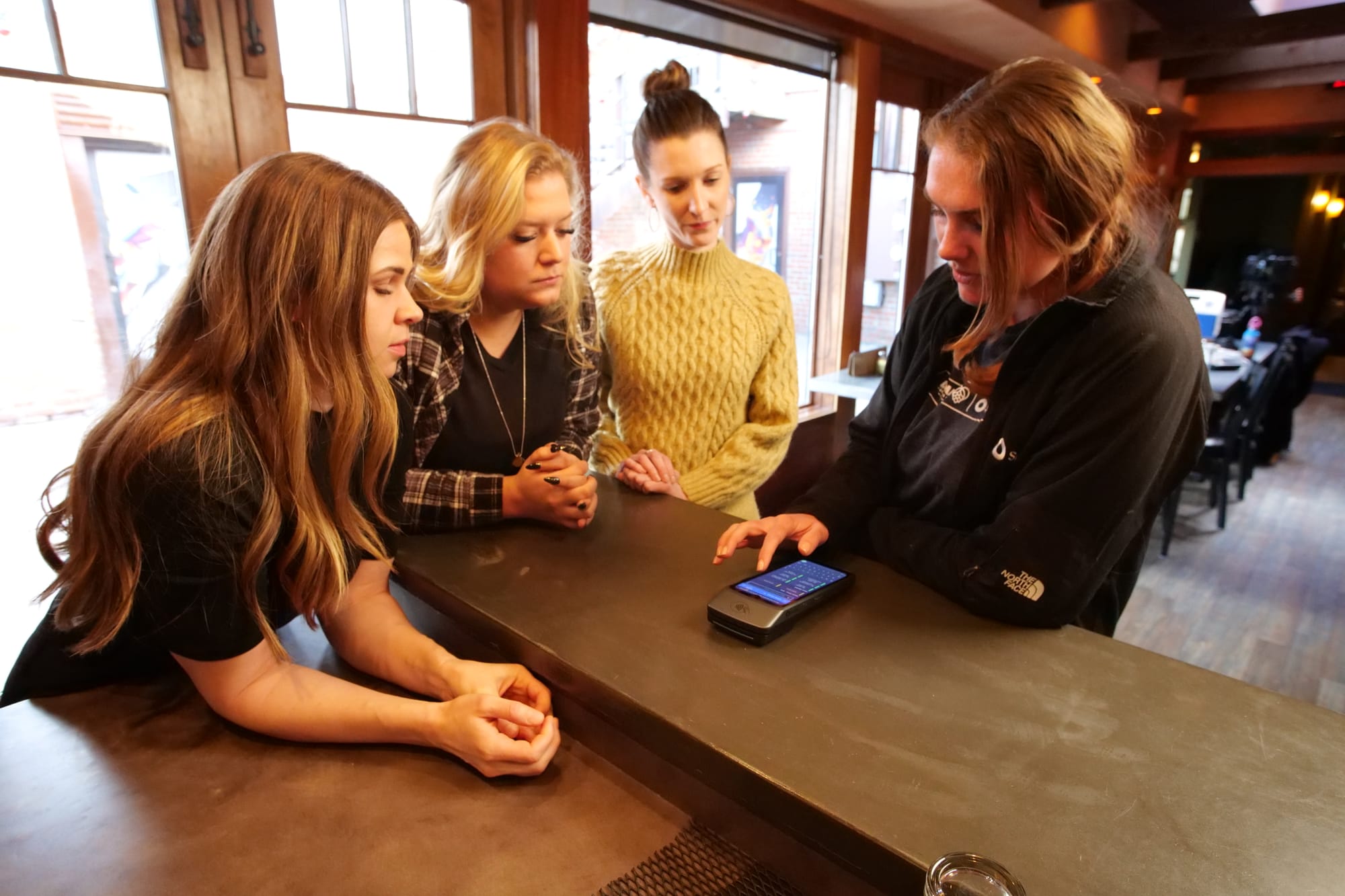
Choose managers or experienced staff members to help lead training. They can answer questions during practice and provide help after the restaurant goes live. If possible, have more than one person learn the manager-level functions so your restaurant isn’t dependent on a single employee. When more experienced staff have a firm grasp of the features that pertain to their role, start cross-training them so they can step in when needed.
These internal POS experts can later help train employees who miss a session and provide new hires with consistent instruction. Pairing a new employee with an experienced one through a buddy system can make learning the POS part of your regular onboarding process.
Give employees hands-on practice with realistic scenarios
Once employees understand how to use the POS for their individual roles, have them practice working together during a simulated service. Demonstrate each workflow first, then ask employees to complete it themselves. Watching someone use the POS software may explain the steps, but hands-on practice is what helps employees remember them when the restaurant gets busy.
One effective approach is to split your staff members into two groups. Have one group act as guests while the other seats them, takes their orders, and enters everything into the POS. Then switch roles and run the exercise again. If possible, include the kitchen team so employees can confirm that orders and modifications move correctly from the dining room to the kitchen.
Start with routine orders, then introduce more challenging scenarios. Ask employees to add multiple modifiers, split checks, apply discounts, process payments, transfer a table, or correct an order after it has been sent.
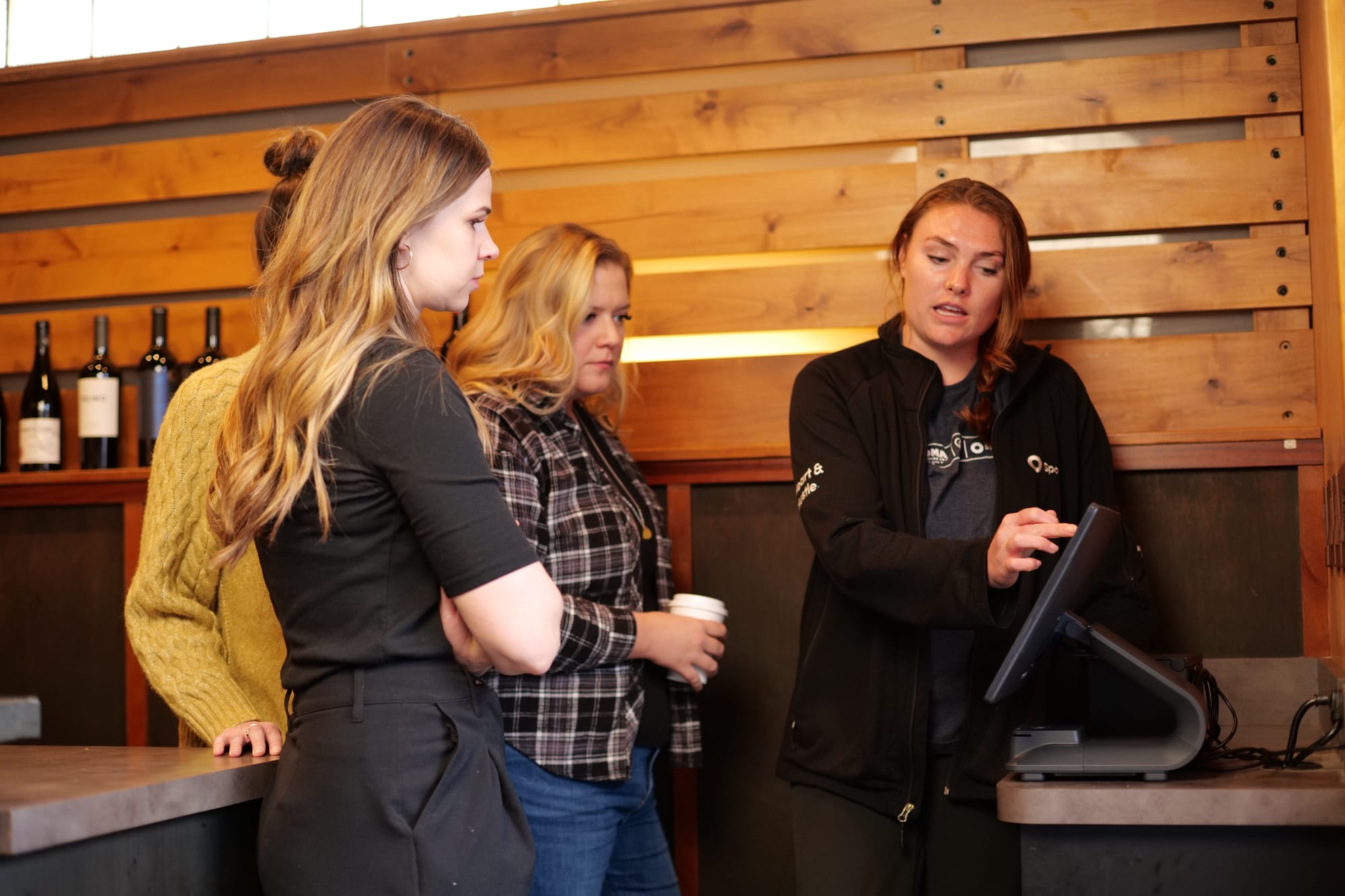
Employees also need to practice what happens when something goes wrong. Include situations involving an incorrect payment, a refund request, or a printer that stops responding. Learning how to recover from mistakes in a controlled setting builds staff confidence and reduces the chance that a small problem will disrupt the customer experience during peak hours.
Use training checklists to track which POS skills each employee has completed and where they still need help. Repeat any workflow that causes confusion. That repetition helps employees develop muscle memory before they have to perform the same task with actual guests waiting.
Prepare your team for launch day and continue training after you’re live
When possible, launch your new POS system during one of your restaurant’s slow periods rather than on a Friday or Saturday. Schedule a few extra employees so no one has to choose between helping a guest and troubleshooting the system. You should also designate a manager or experienced team member who can answer point-of-sale questions during each shift.
Give employees a clear way to report problems as they arise, such as a shared document or notebook, which can help managers track recurring questions and workflow slowdowns. Encourage employee feedback as well. The people using the system throughout a shift may notice unnecessary steps or confusing screen layouts that weren’t obvious during training.
Expect a learning curve during the first few weeks. Watch for repeated order corrections, delayed payments, or features employees avoid because they don’t know how to use them. These patterns will show you where and when refresher training is needed. Keep follow-up sessions short and focused on the specific task causing trouble instead of starting from square one.
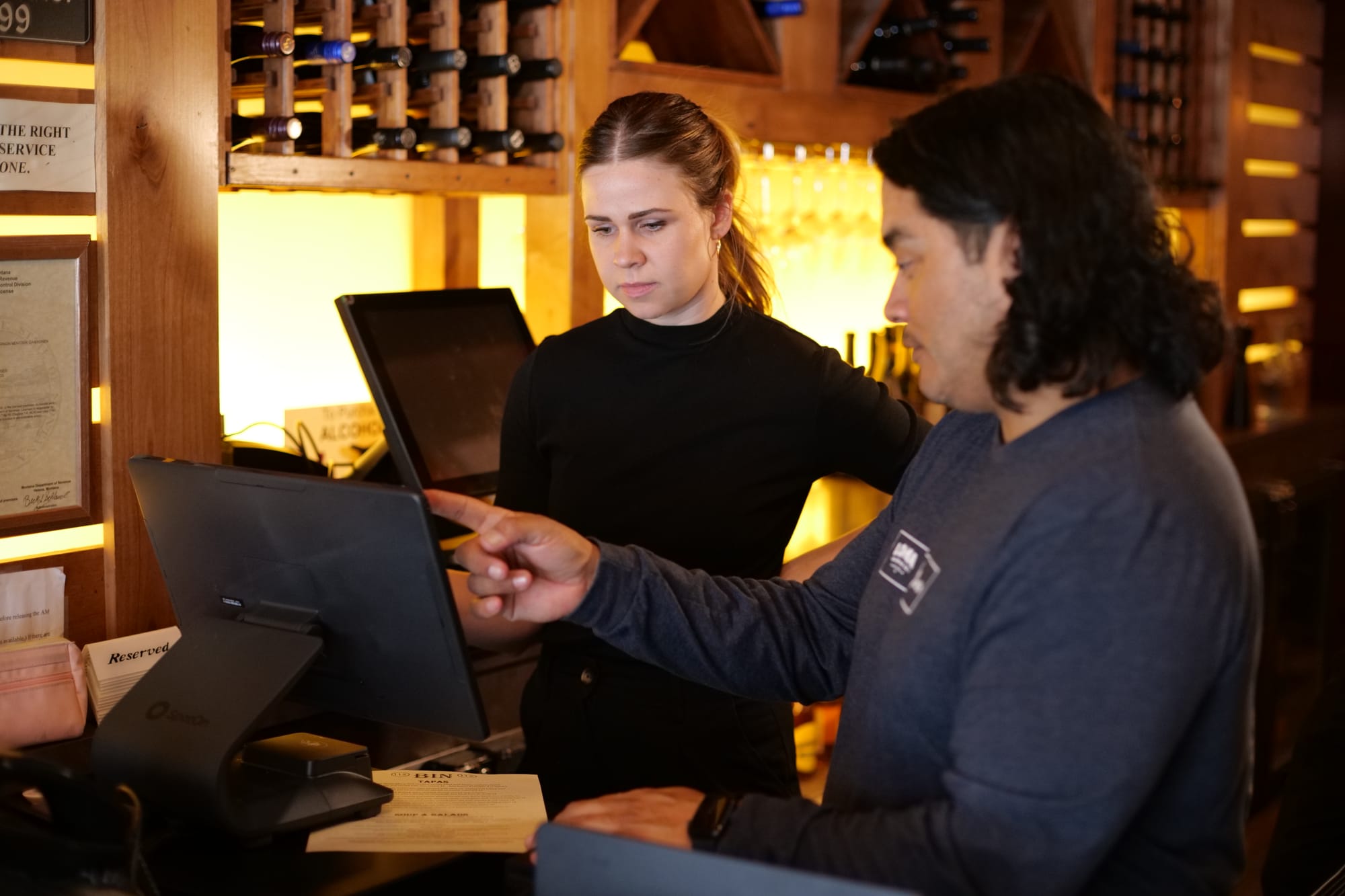
You should also prepare backup procedures before launch day. Employees need to know what to do if a device stops working or the internet goes down. Keep instructions somewhere accessible so staff members aren’t relying on memory when service is busy.
Treat POS training as an ongoing process rather than something that ends when the restaurant goes live. Update your training materials based on the questions that come up during launch. Those improvements will make it easier to train new employees and give future new hires a more consistent and accurate experience. Continued coaching helps create well-trained staff who can use the system confidently as part of their normal shift.
Common POS training mistakes that can derail your rollout
Even with a solid plan, the way you approach training can leave employees ready for launch or struggling when the new POS goes live. These are the 3 most common mistakes to watch out for.
1. Trying to teach every feature in one session
Employees don’t need to master the entire POS system before launch. They need to perform the tasks required during their next shift. Covering too much at once risks overwhelming employees and leaves them less confident about the functions they’ll use most. Save advanced features for later sessions after employees are comfortable with the basics.
2. Relying on demonstrations instead of practice
Watching a manager enter an order can make the process look simple, but most people will never learn unless they do it themselves. Every team member should receive enough hands-on training to complete the relevant workflows without being coached through each step. If training time is limited, prioritize practice over lengthy explanations.
3. Treating staff training as a one-time event
Employees may discover questions only after they begin using the system with actual guests. Managers should watch for repeated errors and ask for employee feedback to learn exactly where the disconnect is happening. Short refresher training sessions can correct those issues before they become ingrained habits.
The same principle applies when the restaurant adds new features or hires new employees. Don’t assume employees will figure out changes on their own or that new hires will learn the correct process simply by shadowing someone. Use the same role-based instruction and guided practice that supported the original launch.
Ultimately, proper training is an ongoing process. Continuing to coach employees helps protect the customer experience and gives the restaurant a better return on its POS solution.
Frequently asked questions about how to train staff on a new POS
Looking for quick answers to training your staff on a new POS? Here are the most frequently asked questions.
How long does it take to train restaurant staff on a new POS?
Most restaurant employees can learn the essential functions of an intuitive POS within a few hours, but becoming comfortable during a live shift may take several days. The timeline depends on the individual, their role, the complexity of the restaurant, and how much hands-on practice they receive. Continue coaching employees during the first few weeks instead of expecting everyone to master the system in one session.
How important is it to pick the right POS for training staff?
It’s extremely important. A POS that matches your restaurant’s workflows and feels intuitive to employees will require less training and be easier to use during a busy service. The provider matters too. A strong POS partner will help configure the system correctly, guide your team through training, and remain available to answer questions after you go live.
What should be included in restaurant POS training?
Restaurant POS training should cover the tasks each employee performs during a normal shift. Employees should receive demonstrations followed by guided practice entering orders, modifying items, managing checks, and processing payments. Training should also cover how to correct mistakes and what to do when a technical problem occurs. Managers will need additional instruction on permissions, refunds, reporting, and other administrative functions.
Should every employee receive the same POS training?
No. POS training should be based on each employee’s role and responsibilities. Servers, hosts, bartenders, kitchen employees, and managers use different parts of the system. Teaching employees only the functions relevant to their work makes training easier to absorb. Managers and designated internal POS experts should receive broader training so they can answer questions and assist other employees after launch.
How can restaurant staff practice using a POS before launch?
Restaurant staff can practice before launch by completing realistic transactions and participating in a mock service. One group can act as guests while the other enters orders, adds modifiers, and manages checks. The groups can then switch roles and repeat the exercise. Managers should introduce mistakes and unusual requests so employees can practice solving problems without the pressure of waiting guests.
How do you know when employees are ready to use a new POS?
Employees are ready when they can complete the tasks required for their roles without step-by-step guidance. They should also know how to correct common mistakes and where to get help when they encounter something unfamiliar. Readiness doesn’t mean training is finished. Scheduling a brief 15-minute refresher every quarter can reinforce important workflows and keep employees current as the restaurant introduces new features.