
The best way to schedule restaurant staff is to forecast sales before creating your schedule. By using historical sales data and factoring in seasonality, promotions, weather, and local events to predict customer demand, you can accurately schedule the right employees at the right times. The result is lower labor costs, a more memorable guest experience, and a more efficient operation than relying on guesswork or simply copy-pasting last week’s schedule.
If you’re a restaurant operator or manager looking to improve your scheduling process, this guide will show you how. You’ll learn:
- Why building schedules based on gut feelings often leads to expensive mistakes
- How to forecast demand for every shift
- How to turn that data into actionable plans
- How the right restaurant scheduling software can make the process faster and more accurate
By the end of this article, you’ll have exactly what you need to build schedules that support your team and keep your guests happy without wrecking your bottom line.
Why guessing leads to poor-performing schedules
Using guesswork to build your restaurant staff schedule assumes that next week will look like last week. It also ignores the countless factors, like weather, holidays, or sports events, that can affect customer demand.
Taking this approach will always lead to one of two outcomes:
- You schedule too many employees: During slower-than-expected shifts, labor costs quickly get out of control, and you’re not generating any new revenue.
- You don’t schedule enough employees: During busy periods, your team gets overwhelmed, service slows down, and guests have a negative experience.
Neither outcome is good for your business, your team, or your guests. The goal isn't to have more or fewer employees on the schedule; it's to have the right number for the demand you expect. That's why successful restaurant managers start with a sales forecast before they begin building employee schedules.
So, where do these forecasts come from? Let’s walk through how to collect and interpret customer demand before building a new schedule.
Forecast sales before building your schedule
Before you assign shifts or think about employee availability, estimate how much business you’ll expect for each day and shift. This information becomes the foundation for every staffing decision that follows. No forecast is 100% perfect, but you can get surprisingly close by following the same process every week.
Here are the four steps to forecasting sales:
Step 1: Review your historical sales data
Start by looking at your sales data from the same day of the week over the past four to eight weeks. Then compare those numbers to the same period last year. Looking at both recent performance and year-over-year trends gives you a more complete picture.
For example, if you're building next Friday's schedule, compare it to the previous Friday dinner shifts and the equivalent Friday from last year.
Previous Friday dinner sales:
- Last Friday: $5,250
- 2 weeks ago: $6,097
- 3 weeks ago: $5,130
- 4 weeks ago: $5,545
Average Friday sales: $5,505.50
This average is your baseline. It's your best estimate of what a typical Friday dinner service looks like before considering anything unique about the upcoming week.
Step 2: Account for anything that’s different
Next, think about anything that could affect customer demand. Holidays, promotions, local events, sporting events, weather, school breaks, or large reservation bookings can all impact sales.
For example, if there's a major concert nearby and reservations are already higher than normal, you might increase your Friday dinner sales forecast from $5,505 to $6,200.
Step 3: Forecast each shift separately
Don't create one forecast for the entire day. A lunch shift usually has different sales patterns than dinner shifts, so estimate projected sales for each shift individually. This gives you a much more accurate picture of what you’ll need for staffing.
Step 4: Use your forecast as your staffing target
Once you've forecast sales for each shift, you have the information you need to build your staffing plan. Instead of guessing how many employees to schedule, you'll make decisions based on expected demand, helping you control labor costs while maintaining a great guest experience.
Now that we know the projected sales, we can start building the work schedule.

Build your schedule around expected demand
Now it's time to turn your sales forecast into a staffing plan. The goal is to match your staffing levels to expected demand so you have the right people in the right places at the right time.
Start by identifying your target labor percentage or labor budget for each shift. If we continue using the example above, your Friday night dinner forecast is $6,200. If your target labor costs are 30%, you have about $1,860 available to staff that shift. That gives you a realistic budget before you begin to schedule employees.
Next, determine which positions you'll need covered during the shift, such as:
- Cooks
- Bussers
- Servers
- Bartenders
- Dishwashers
- Hosts
- Managers
Don't just focus on headcount. Think about skill level, too. A Friday night dinner service will require more experienced servers, cooks, and bartenders than a slow Tuesday afternoon. Your busiest shifts should include your most skilled employees, while slower shifts can provide opportunities for newer restaurant employees to gain experience alongside veteran team members. As you build your restaurant schedule, ask yourself these questions:
- Do I have enough coverage for the expected volume?
- Am I scheduling too many employees for slower periods?
- Do I have the right mix of experienced and newer team members?
- Will this staffing plan deliver the level of service my guests expect?
Once you've built your staffing plan, there are a few additional scheduling factors you need to consider before you hit publish.
Don't forget the other scheduling variables
Think of sales forecasting as the foundation of your restaurant schedule. It's a great starting point, but a few overlooked details can quickly set off a domino effect on how well your employee schedule actually works.
As you finalize your schedule, make sure you've considered:
- Employee availability and approved time-off requests before assigning shifts
- Scheduling your most skilled employees during busy shifts while continuing to cross-train newer restaurant employees so you aren't dependent on the same people every weekend
- Any labor laws, state labor laws, or predictive scheduling laws that apply where you operate. Some jurisdictions require advance notice before publishing employee schedules, or have rules around last-minute schedule changes
- Publishing your schedule as early as possible so employees can plan their personal lives, improve their work-life balance, and reduce shift swaps and callouts
Taking these extra steps might add 10 to 15 minutes to the scheduling process, but it prevents hours of headaches and potentially thousands in lost revenue later. More importantly, it helps create more reliable schedules for your team while keeping your restaurant fully staffed and compliant. Once you've finalized your schedule, the next step is finding ways to make this entire process faster and easier with the right restaurant scheduling software.
Use restaurant scheduling software to improve schedules
Building your employee schedules doesn’t have to be a tedious, manual process. While you can always forecast sales and create schedules in spreadsheets, using the right restaurant scheduling software can save time, reduce errors, and streamline the entire process.
The biggest advantage of restaurant employee scheduling software is that it connects all the different sources of information you use to run your business. Instead of jumping between spreadsheets, calendars, and your POS, you or your managers can easily pull and view historical sales data, labor targets, and employee availability to make smarter scheduling decisions, all in one place.
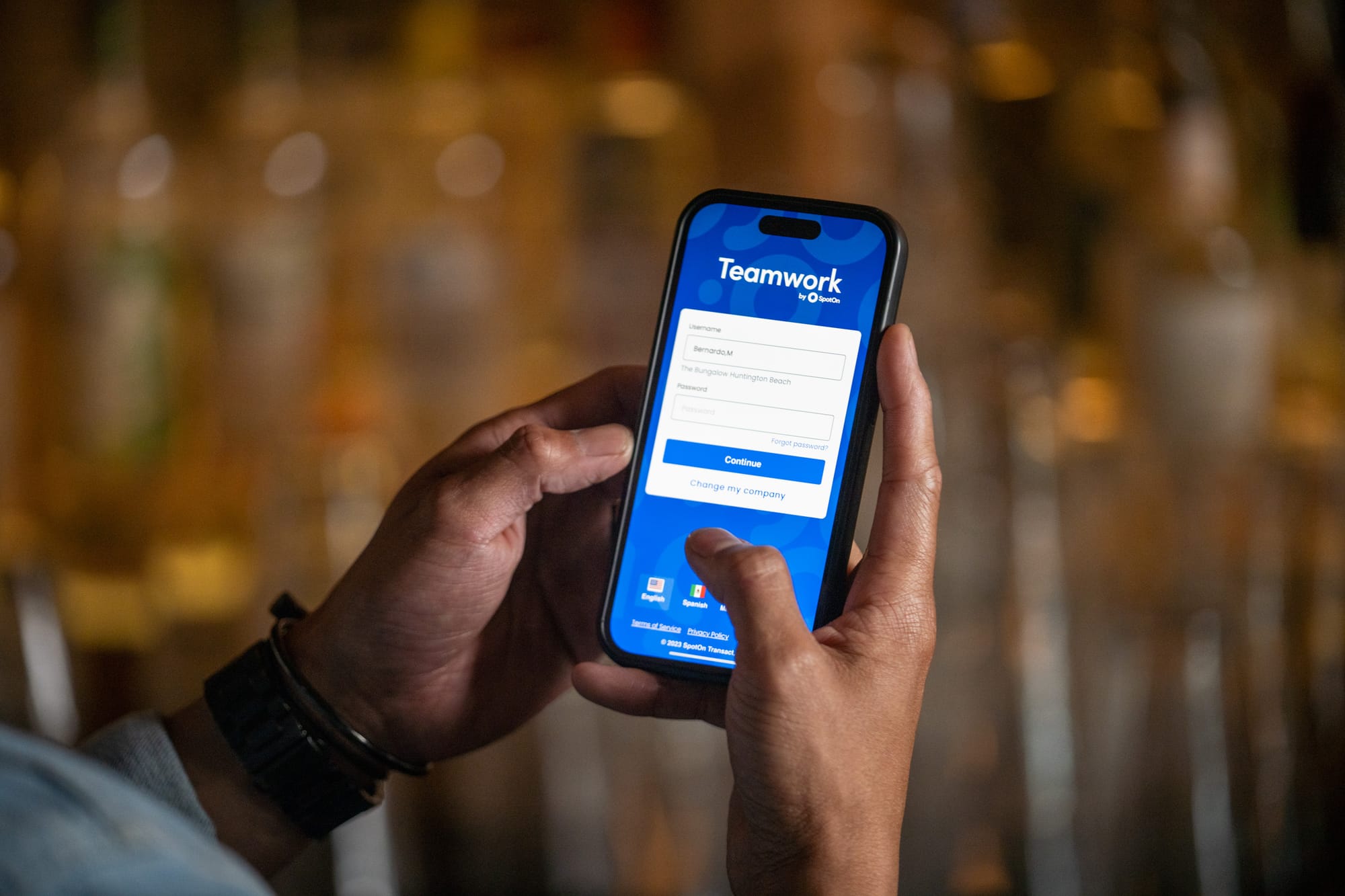
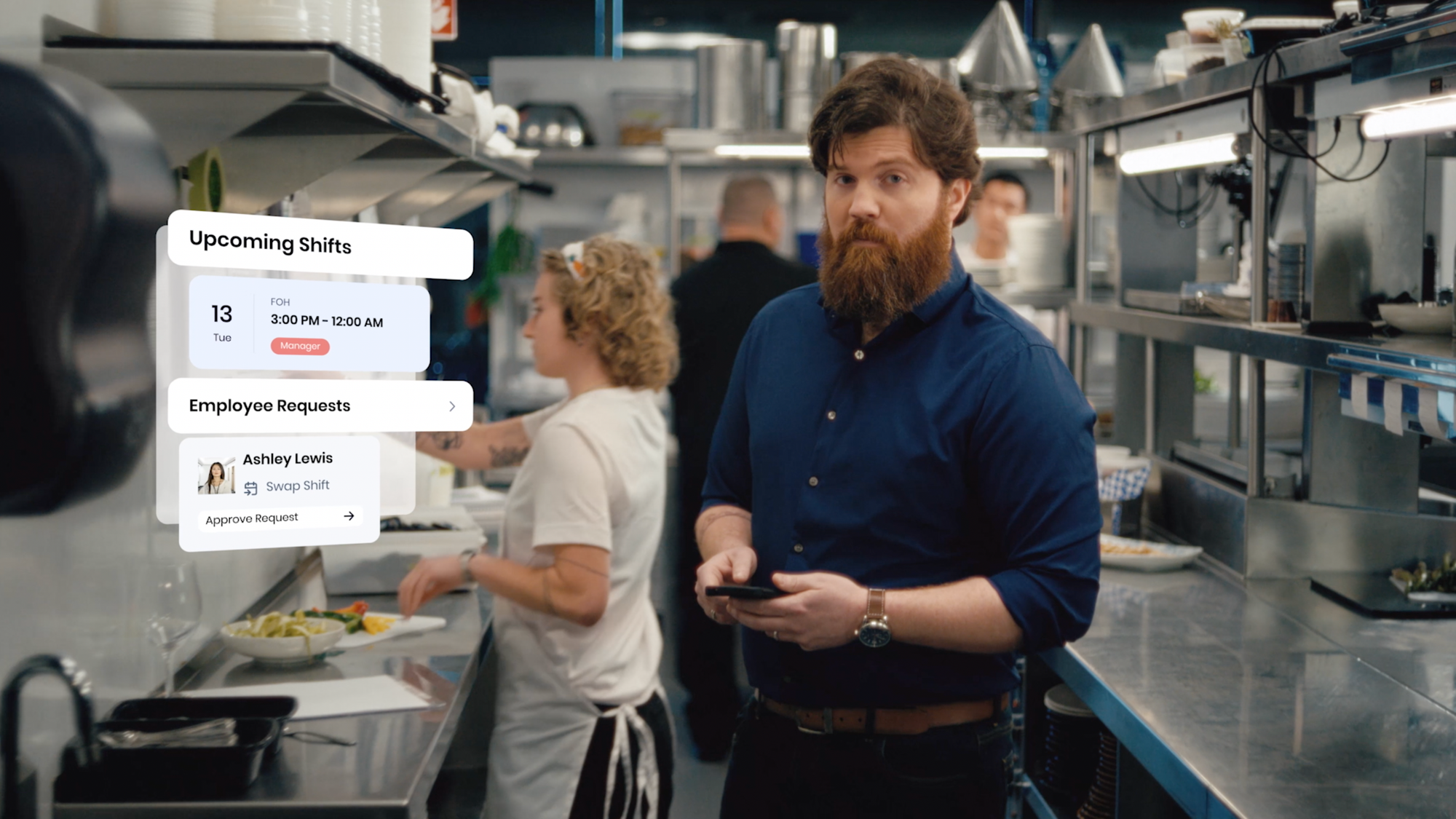
For example, restaurants that use SpotOn have access to tools like SpotOn reporting and SpotOn Teamwork. SpotOn reporting gives managers access to historical sales trends and labor performance, while SpotOn Teamwork makes it easier to build schedules, communicate with employees, and manage shift changes from a single platform.
Looking ahead, SpotOn is developing Profit AI, a new capability that analyzes historical sales data, labor data, weather forecasts, seasonality, and other operational data to surface actionable recommendations. Rather than taking over for managers, Profit AI helps operators understand exactly what’s driving performance and identify opportunities to improve profitability, including staffing recommendations, while leaving every decision in the hands of the operator.
Technology will never replace good managers, but it can certainly eliminate much of the guesswork and manual tasks that go into building an effective restaurant schedule, giving you more time to focus on your team and your guests.
Common restaurant staff scheduling mistakes
Even with the right tools and a solid sales forecasting process, it’s still easy to fall into habits that will make your work schedule inefficient. Sidestep these pitfalls, and you’ll build a schedule that helps you control labor costs while creating a better experience for both your team and your guests.
Here are some of the most common mistakes restaurant managers and operators make and how to avoid them.
Building schedules without reviewing sales trends
Every week is different, and “gut feelings” are often wrong. If you skip the sales forecasting process and ignore historical sales data, you’re more likely to overstaff on slower shifts and understaff the busiest ones. Reviewing sales trends before every new schedule ensures your staffing decisions are based on real expected demand instead of assumptions.
Using the same staffing template every week
A work schedule template can save time, but it should never replace a thorough planning process. The number of customers walking through the door will always change week to week, so every schedule should reflect the projected business conditions rather than simply repeating last week’s plan. Copy-pasting the previous schedule might feel like you’re saving time, but when you’re unexpectedly slammed on Tuesday night, you’ll be glad you took the time to properly forecast sales.
Ignoring employee availability, skills, or labor requirements
Incorporating these elements is definitely the most difficult part of creating employee schedules. There are many factors you have to balance, and getting even one of them wrong can throw off your shifts or land you in hot water.
Before publishing your schedule, make sure you've accounted for employee availability, approved time-off requests, and any shift preferences you've committed to honoring. You should also make sure each shift has the right mix of experienced and newer employees so your busiest periods aren't left to an inexperienced team.
Finally, don't overlook labor laws, state labor laws, or predictive scheduling laws that may apply where you operate. Depending on your location, you may be required to provide advance notice of schedule changes, pay employees for certain last-minute changes, or follow other scheduling requirements. Staying on top of these rules helps you avoid unnecessary penalties while building schedules your team can count on. As we mentioned above, you can easily manage these challenges with the right restaurant scheduling software.
Waiting too long to publish schedules or making frequent last-minute changes
Frequent last-minute schedule changes create unnecessary stress for both managers and employees. Publishing your work schedule as early as possible gives your team more time to plan their lives, improves work-life balance, and helps reduce shift swaps and callouts.
Frequently asked questions about the best way to schedule restaurant staff
Looking for quick answers to questions about the best way to schedule restaurant staff? Here are a few of the most commonly asked questions’
What is the best way to schedule restaurant staff?
The best way to schedule restaurant staff is to forecast sales before building your schedule. By using historical sales data and accounting for factors like seasonality, weather, promotions, and local events, you can match staffing levels to expected demand. This helps control labor costs, improve the guest experience, and avoid overstaffing or understaffing.
How can sales forecasting improve restaurant staff scheduling?
Sales forecasting improves restaurant employee scheduling by helping you predict customer demand before assigning shifts. Instead of relying on guesswork, you can estimate how busy each shift will be and schedule the right number of employees based on expected sales. This leads to more efficient staffing and better financial performance.
What is the best staff scheduling app for restaurants?
The best restaurant scheduling app is one that combines restaurant scheduling software with sales forecasting, reporting, and team communication. Instead of managing schedules in a spreadsheet, integrated tools help restaurant managers create more accurate schedules, track labor, and quickly communicate changes with team members.
How far in advance should restaurant schedules be posted?
It's best to publish employee schedules at least one to two weeks in advance whenever possible. Giving employees advance notice makes it easier to plan their personal lives, request shift swaps, and prepare for work. Some states and local jurisdictions also have predictive scheduling laws that require employers to provide schedules a certain number of days in advance, so be sure to understand the state labor laws that apply to your business.
What factors should you consider when scheduling restaurant staff?
When building a restaurant staff schedule, consider your sales forecast, employee availability, skill levels, approved time-off requests, labor laws, and expected customer demand. The most effective schedules balance the needs of the business with the needs of your team while ensuring you have the right people working every shift.