

The holidays bring a big jump in restaurant spending, but guests are watching their budgets closely. In a November 2025 survey from the University of Illinois and Purdue University, 69% of Americans who celebrate the holidays with a meal said food prices would affect their plans. Shopping for deals topped their list, and about 1 in 5 of those guests planned to spend less at restaurants.
That's why the restaurants that come out ahead are the ones that plan early. When your calendar, staff, menu, and tech are set before December, you can focus on giving every guest a great experience instead of putting out fires. This checklist walks through seven steps to get your restaurant ready for the rush and turn holiday traffic into regulars.
1. Map out your holiday calendar
Plot every event, special, and holiday closure now so there are no surprises come December. Then use your holiday calendar as your source of truth for marketing, staffing, and menu prep.
Here are the key dates to build around this year:
With Christmas on a Friday and New Year's Eve on a Thursday in 2026, expect both holidays to stretch into long weekends, which means more parties, more reservations, and more staff asking for the same days off.
A complete holiday calendar usually includes:
- Events, like a Christmas Eve prix fixe dinner or a New Year's Eve countdown
- Specials and promotions, like a Black Friday gift card deal or a holiday happy hour
- Closures and modified hours, including days you'll close early
- Private party and catering windows you want to protect
- Deadlines for menu changes, distributor orders, and staff schedules
It also helps to look at your hours. Check last year's sales in your POS reporting, and if the Monday before Christmas was dead after 8 p.m., this is the time to adjust. Our guide to setting data-driven restaurant operating hours walks through how to do it.
2. Communicate to guests early and often
Share holiday hours, specials, events, and closures through email, social media, and in-store signage. The earlier guests know, the more likely they are to make your restaurant part of their holiday plans, whether it's Christmas karaoke, a Hanukkah tasting menu, or a New Year's bash. Office party planners and families start booking in early November, so aim to have your plans public by then.
Share the same information everywhere guests look, and include prices for specials and events so guests can decide quickly:
- Email. Send your holiday lineup to guests who already know you. SpotOn Marketing builds campaigns from the guest data your POS already collects and sends them by email and text, so you can reach past guests without building a list from scratch.
- Social media. Post your holiday lineup a few weeks out, then remind guests as dates get closer. Our Halloween hashtags guide covers how to pick hashtags that still work after Instagram's five-tag limit, and the same approach applies to holiday posts.
- In-store signage. Table tents, menu inserts, and a note on the check let guests who are already in your seats know what's coming.
- Google Business Profile and your website. Update holiday hours so guests searching "restaurants open on Christmas Eve near me" find accurate information, including answers from AI search tools that pull from these listings.
3. Schedule your staff
Pull last year's POS sales data to forecast your busiest (and slowest) windows, then build shifts around them. Set PTO and shift-swap policies early so nobody's guessing in the moment.
SpotOn Teamwork scheduling makes both steps easier. Because it connects directly to your POS, it uses your real sales data to help you cover peak hours without overstaffing the slow ones. During the holidays, that means you can:
- Build holiday schedules in minutes using templates and last year's schedules instead of starting from a blank spreadsheet.
- Handle PTO and shift swaps from a phone. Staff can request time off, swap shifts, or pick up open shifts in the Teamwork app, which keeps holiday requests organized and out of the group text.
- Set a labor budget and stick to it. Cost projections show your labor forecast as you build, and Teamwork can block schedules that go over the limit you set.
- Prevent surprise overtime. Clock-in enforcement stops early clock-ins and requires manager approval, so unworked hours don't add up during long holiday weeks.
- Stay compliant on long shifts. Break reminders help you meet labor rules when the dining room is slammed.
The results add up. The Mudpuppy in Vonore, Tennessee, cut labor spend by 7% with Teamwork, and Adalina in Chicago saves more than $500 a week on labor.
Before the schedule goes out, set a deadline for holiday time-off requests and line up a short list of staff willing to cover call-outs. If you're bringing on seasonal hires, our guide on how to train staff on a new POS has tips for getting them up to speed before the rush.
4. Build your menu and inventory plan
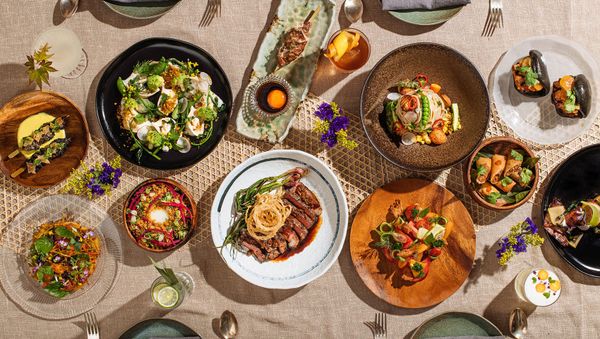
Nail down a focused seasonal menu built around signature dishes your kitchen can execute at volume. Confirm ingredient availability and pricing with distributors well before the rush hits.
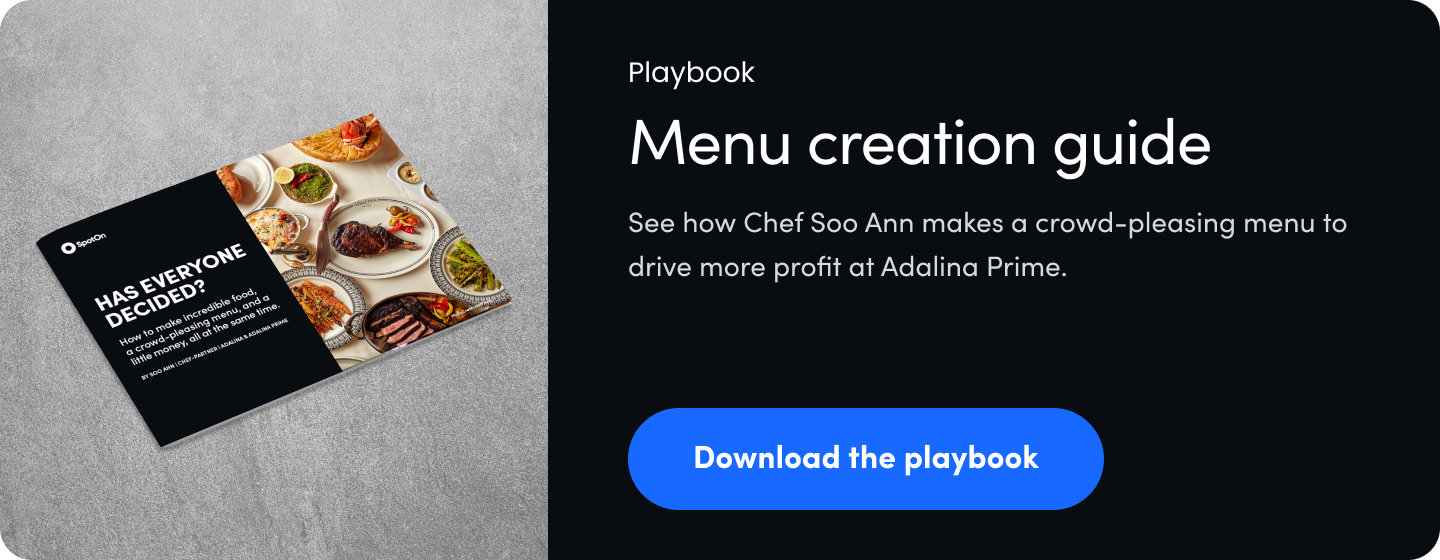
You don't need a full menu overhaul. A short list of holiday dishes your team can turn out consistently on your busiest night will do more for your margins than a long list of one-off specials. To build it:
- Check what sold last year. Your POS reports show which dishes moved, which didn't, and which made you money.
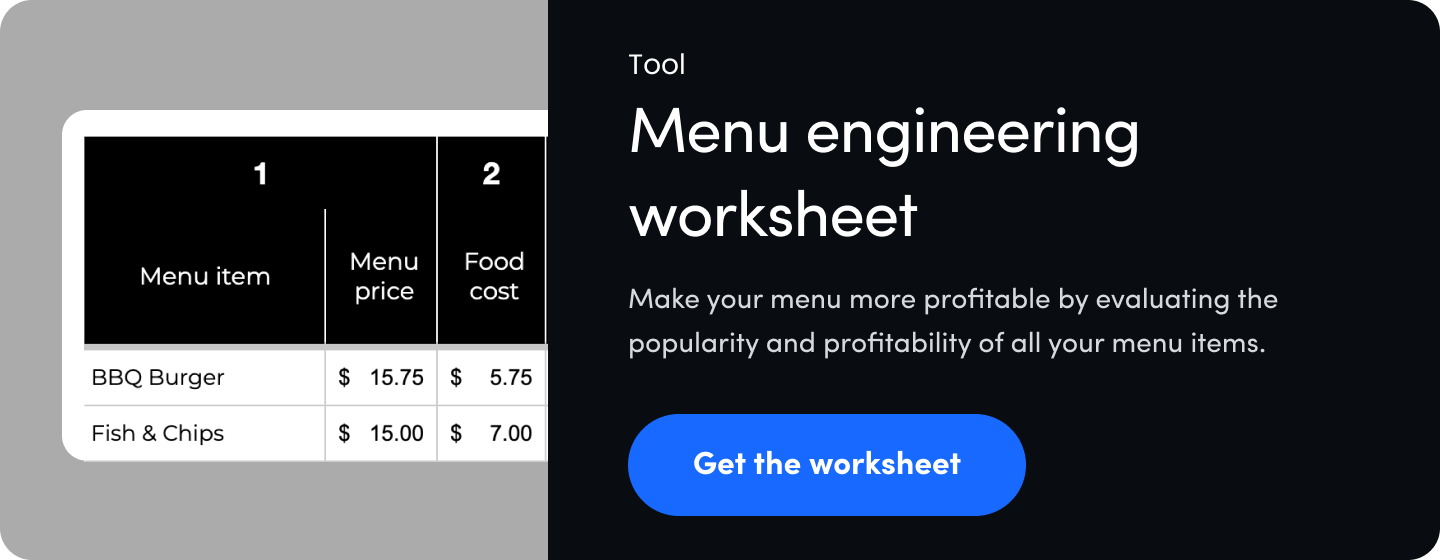
- Run the numbers on every item. Food costs keep shifting, so recheck plate costs before you set holiday prices. Our menu engineering guide and free menu engineering worksheet make the math easier.
- Pair holiday favorites with high-margin add-ons, like a seasonal cocktail with a prix fixe dinner or a dessert add-on for large parties.
- Lock in ingredients early. Confirm availability and pricing on key items with your distributors, and build a backup for anything that's been hard to source.
Once your plan is set, the SpotOn AI menu assistant handles the busywork. Instead of editing items one by one, you can make bulk menu changes with simple prompts, then review them before anything goes live. Holiday prompts might look like:
- "Add a Holiday Specials category and move these five items into it."
- "Raise all steak items by 5%" when beef costs go up.
- "Create a $1 happy hour discount on all beers, weekdays 4 to 6 p.m."
- "Delete the Holiday Specials category" when the season wraps up.
The AI menu assistant is included with SpotOn POS at no extra cost. If you're rethinking your menu layout too, see how to make a menu for your restaurant.
5. Manage events and seating with reservation software
Keep holiday bookings and walk-ins organized so busy nights turn profits instead of walk-outs. Consider requiring deposits for reservations, events, and catering orders to protect margins.
Some guests want a private room for 30. Others just want a booth for two. A reservation and waitlist platform keeps both in one place. Here's how to get more from it during the holidays:
- Require deposits where they count. Deposits and a clear cancellation policy protect your margins on reservations, events, and catering orders if plans change.
- Sell your big nights as prepaid experiences. With SpotOn Experiences, guests can book and pay ahead for a New Year's Eve dinner or a holiday tasting menu, so the revenue is locked in before the night starts.
- Send text confirmations and reminders. Restaurants using SpotOn Reserve have seen a 75% reduction in no-shows with two-way text confirmations.
- Use your waitlist on your busiest nights. A digital waitlist lets walk-in guests hold their spot without crowding your entry.
- Forecast covers before you finalize the schedule. Reservation data tells you how many guests to expect, which feeds right back into your Teamwork schedule in step 3.

6. Streamline order and kitchen flow
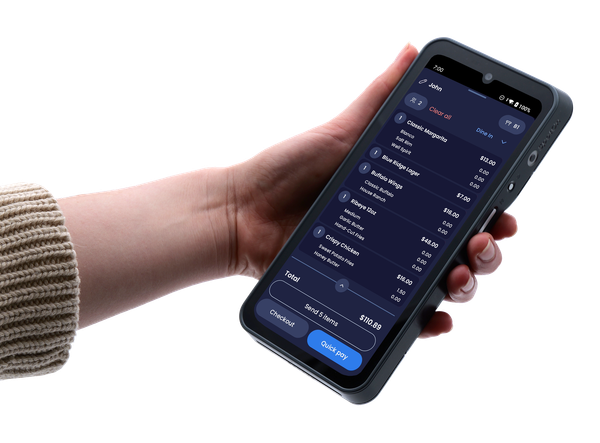
If you need to shore up your tech, do it now. Handhelds, QR table pay, KDS, and online ordering help keep your front- and back-of-house in sync, faster and with fewer mistakes. Installing new hardware or training staff on a new workflow in mid-December adds stress at the worst possible time.
- Handhelds let servers take orders and payments at the table, so tickets reach the kitchen sooner and tables turn faster.
- Mobile pay & review lets guests scan a QR code to pay, tip, and leave a review right from their phones. Guests can pay when they're ready instead of waiting for the check during a packed holiday dinner, and the review prompt captures their feedback while the meal is still fresh. Learn more in our guide to restaurant QR codes.
- A kitchen display system (KDS) routes dine-in and online orders to the right station, which matters when holiday takeout and a full dining room hit the kitchen at the same time.
- Commission-free online ordering lets guests order holiday meals, party trays, and catering directly from you, without third-party fees eating into your margins.
For more ways to move guests through faster, see how to speed up restaurant checkout.
7. Turn holiday traffic into next year's guests
Sell gift cards to grow revenue and give guests a reason to come back. Encourage loyalty program sign-ups to build your mailing list. And leverage QR table payments to prompt guest reviews that lift your SEO and attract new guests.
- Sell gift cards everywhere. Gift cards bring in revenue now and a return visit in January, when traffic usually slows. Display them at the host stand and bar, sell e-gift cards on your website for last-minute shoppers, and train staff to mention them. A bonus card with every $50 purchase works especially well around Black Friday and Small Business Saturday.
- Encourage loyalty sign-ups. A restaurant loyalty program turns first-time holiday guests into regulars and builds your mailing list at the same time. Offer an instant reward for signing up, like a free appetizer on the next visit, and keep sign-up fast so it doesn't slow down checkout. Our guide to building a customer database for your restaurant shows how to put that list to work after the holidays.
- Turn every payment into a review opportunity. With Mobile pay & review from step 6, the review prompt comes built into every QR payment. A steady stream of fresh reviews helps your restaurant show up in local search and AI recommendations, which keeps new guests finding you long after the holidays.

Restaurant holiday planning FAQ
What should be on a restaurant holiday checklist?
A restaurant holiday checklist should cover seven areas: your holiday calendar, guest communication, staff scheduling, menu and inventory, reservations and events, order and kitchen flow, and guest retention through gift cards, loyalty, and reviews.
What technology should restaurants set up before the holidays?
Handhelds, QR table pay, a kitchen display system, and online ordering help keep the front- and back-of-house in sync during the rush. Set them up and train staff before December so the busiest weeks aren't your first weeks on new tools.
When should restaurants start planning for the holidays?
Start in September or early October. That leaves time to set your calendar, confirm ingredients with distributors, and announce holiday hours and events by early November, when many guests and office party planners start booking.
How do restaurants schedule staff for the holidays?
Use last year's POS sales data to forecast busy and slow periods by day and hour, then build shifts around them and set a labor budget. POS-connected scheduling software like SpotOn Teamwork can project labor costs as you build the schedule and let staff request time off or swap shifts from their phones.
How can restaurants update their menu quickly for the holidays?
Use a POS with bulk menu editing. The SpotOn AI menu assistant lets restaurants add holiday categories, adjust prices, and create discounts with simple prompts, then review changes before they go live.
How can restaurants reduce no-shows during the holidays?
Consider requiring deposits for reservations, events, and catering orders, and send text confirmations and reminders before every booking. For big nights like New Year's Eve, prepaid experiences lock in revenue before the night starts. Restaurants using SpotOn Reserve have seen a 75% reduction in no-shows.
Should restaurants sell gift cards during the holidays?
Yes. Holiday gift card sales bring in revenue right away and give guests a reason to return in January and February, when traffic usually slows. E-gift cards sold on your website make last-minute gifting easy.
How can restaurants keep holiday guests coming back?
Invite every guest to join your loyalty program with an instant reward, collect emails through reservations and online orders, and ask for reviews at payment. Then use that guest list to send off-season promotions.
You've got this (and you've got backup)
The holiday rush will always be loud and a little messy, but it's also your best chance to bank revenue for the slower months ahead. Work through this checklist now, and you'll head into December with a clear calendar, a confident team, and a plan for turning new faces into regulars.
You also shouldn't have to do it alone. Launching a gift card promotion, rebuilding your menu for the holidays, or fixing a printer at 8 p.m. on Christmas Eve all go smoother with someone to call. Every SpotOn account includes 24/7 support from real people by phone, email, or text, with no premium plan required. See how that compares in our breakdown of the best POS systems for customer support.